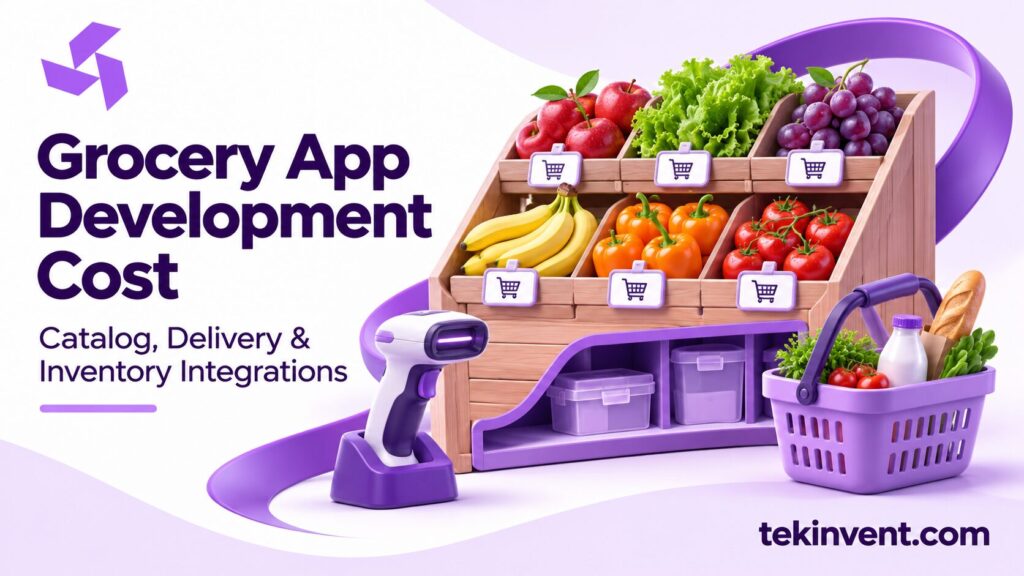
Grocery app development cost depends on the shopping and fulfillment model. A store pickup app with a limited catalog has a different scope from a multi-location service with real-time inventory, substitutions, delivery slots, and picker workflows. Define how customers shop and how store staff fulfill orders before comparing development estimates.
The customer app is only one part of the system. Catalog management, inventory updates, picking, substitutions, delivery, payments, and support all affect the work. A useful estimate describes these connections and the assumptions behind them.
Define the fulfillment model
Decide whether customers can choose pickup, delivery, or both. Is an order fulfilled by one store, a central warehouse, or a combination? Who picks the items? How does the business handle out-of-stock products and delivery windows?
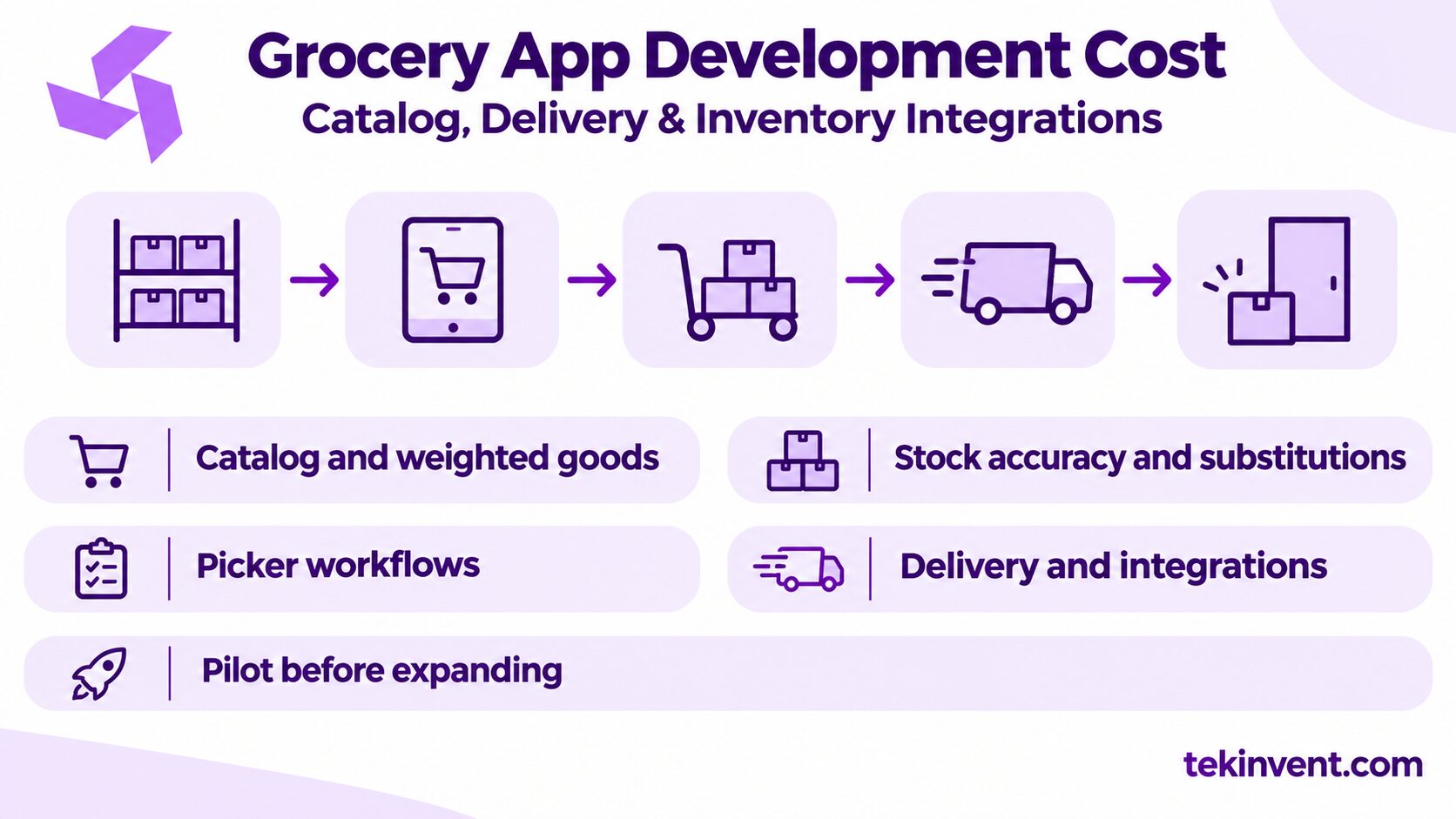
Map a typical order from search through handoff. Include item selection, quantity, substitutions, checkout, picking, customer approval, packing, pickup or delivery, and refunds. Note where staff make decisions and which systems they use.
The workflow also needs failure cases. What if a product becomes unavailable after checkout? What if a customer does not respond to a substitution request? What if a delivery slot is no longer feasible? These rules shape the user experience and operational workload.
Catalog complexity and product discovery
A grocery catalog may contain categories, brands, sizes, variants, dietary attributes, promotions, and product images. Search and filters depend on clean product data. If names and units are inconsistent, a sophisticated search interface will still frustrate customers.
Before estimating, check catalog size and quality. Determine whether product data can be imported, how often it changes, and who maintains it. Plan how the app handles product replacements, seasonal items, weighted goods, and items sold by count or weight.
Start with the discovery features that help customers complete a real basket: categories, search, clear product details, quantity controls, and a cart. Personalization or complex recommendations can wait unless they support a specific business goal.
Inventory accuracy and substitutions
Inventory integration is often a central cost driver because availability can change between browsing, checkout, and picking. Define how often stock updates, which system owns the count, and what happens when inventory is stale. Decide whether the app should display exact availability or a more cautious status.
Substitutions need a clear policy. Customers may select preferences in advance, approve alternatives during picking, or receive a refund for unavailable items. The picker needs a workflow to suggest a replacement and record the customer’s decision. Test missed responses and partial orders.
Do not promise real-time accuracy if the inventory source updates in batches. Set expectations in the interface and provide a practical resolution path. Align the app’s messaging with how the store actually picks and packs orders.
Picker and delivery workflows
Staff tools may include order queues, item picking, substitution requests, packing, and handoff status. If pickers use phones in a store, test barcode scanning, connectivity, device handling, and screen readability under actual conditions. A customer interface cannot compensate for a picker workflow that is too slow to use.
Delivery adds address validation, delivery zones, service capacity, time slots, driver assignment, status updates, and proof of handoff. If a third-party delivery service is involved, confirm which events and customer details it can exchange. Decide who handles failed delivery and order changes.
Pickup may seem simpler, but it still needs order staging, arrival notification, staff instructions, and a way to verify handoff. Scope the chosen fulfillment method fully before adding the second one.
Integrations and technical dependencies
Potential systems include point of sale, inventory management, order management, payments, loyalty, maps, notifications, and delivery providers. For each connection, specify the data, direction, timing, system of record, vendor access, and fallback.
Confirm technical documentation and test access early. A vendor may require approval or configuration before an app can connect. Build time for integration testing with realistic product data, unavailable items, duplicate orders, and delayed updates.
If the first release can function with a limited manual process, define the staff steps and volume at which the workaround stops being practical. This can reduce initial integration scope while keeping the operational cost visible.
Cost categories to include in a proposal
Ask partners to break the estimate into discovery, catalog and workflow design, customer interface, picker or admin tools, integrations, testing, deployment, and support. State the platforms, store count, fulfillment types, and catalog assumptions in the proposal.
The estimate should account for:
- Catalog import, cleanup, and ongoing maintenance
- Search, categories, product variants, and weighted items
- Inventory synchronization and substitution rules
- Pickup, delivery, and time-slot management
- Payment, POS, loyalty, and delivery integrations
- Staff tools, training, and exception handling
- Accessibility, testing, monitoring, and maintenance
No single grocery feature has a fixed cost across projects. The effort depends on existing systems, data quality, vendor APIs, and how much automation the workflow requires. Ask each partner to identify unknowns and explain how they affect the estimate.
Plan for recurring and operating costs
After launch, a grocery product may incur costs for hosting, payment processing, maps, notifications, monitoring, maintenance, and third-party fulfillment. The business also needs people to update catalog details, resolve substitutions, handle refunds, and assist customers.
Include internal labor in the business case. If staff must maintain the same inventory in two systems, that can offset some benefit of the app. Decide who owns data quality and how product changes are reviewed.
Keep security and access controls in view. The app may handle addresses, contact information, and purchase history. Limit access to staff who need it, protect accounts, and set retention practices with appropriate privacy advice.
Control scope with a focused pilot
Start with a limited catalog, a defined service area, and one fulfillment method. Test whether customers can find items and complete a basket, and whether staff can fulfill the order without excessive workarounds. Use the results to decide whether to add delivery, broader inventory integration, or loyalty features.
Measure more than checkout completion. Track substitutions, out-of-stock rates, refunds, picker time, support contacts, and late orders where those measures fit the business goal. Review feedback with store staff as well as customers.
Document what happens during an outage. Staff should know how to continue orders, communicate with customers, and reconcile inventory when systems recover. Rehearse the fallback before the first public launch.
For a broader commerce build, TekInvent’s ecommerce app development services can help frame the product scope. A mobile app development company can help plan the customer and store workflows around the selected fulfillment model.
Plan a Grocery App That Fits Store Operations
TekInvent can help scope catalog, inventory, and fulfillment requirements before development.
Handle weighted goods and final totals
Some products are priced by weight or may vary slightly from the quantity a customer selects. Define how the app displays an estimated amount, when the final total is calculated, and whether the customer must approve a change. The payment flow should explain adjustments clearly and show the final receipt.
The same question applies to deposits, bags, delivery charges, and minimum order rules. Decide when fees appear and how they differ by location or fulfillment method. If a customer’s basket changes during picking, establish whether the payment is adjusted, partially refunded, or captured after confirmation. Test these outcomes with the payment provider’s supported process.
Decide how inventory conflicts are resolved
A catalog can show stock that has already been sold in the store. The app needs a rule for reserving inventory, refreshing it, or accepting that some substitutions will occur. Work with store operations to understand how often stock is updated and what the business can promise accurately.
When systems disagree, staff need a source of truth and a resolution path. Record whether the picker changed an item, whether a customer approved the substitute, and whether the order total changed. Keep the event history available to support staff so they can answer questions without asking the customer to repeat the story.
Test a sequence where two orders request the last unit, inventory sync is delayed, and a customer does not respond to a substitution request. The organization should decide whether the order waits, proceeds with a default, or refunds the unavailable item. That policy affects picker workload and customer satisfaction, so it belongs in requirements.
Decide what should be automated first
Automation can help with stock updates, order batching, picker assignment, delivery slot capacity, and substitution suggestions. Each option depends on reliable data and clear operating rules. Automating a poor process can make errors harder to find because staff may not know why an order was routed a particular way.
For an early release, automate the steps that are predictable and keep exceptions visible to people. A picker queue may be more valuable than automatic optimization if the store has not yet standardized how orders are grouped. Add automation after a pilot shows which manual task consumes time and can be safely expressed as a rule.
Set a measure for each automation change, such as fewer duplicate picks or fewer orders missing a delivery slot. Review the result with staff before expanding it across locations. This keeps the product roadmap tied to observed operational needs.
Make product data ready before development
An app depends on usable product records. Before implementation, check for missing descriptions, duplicate products, inconsistent units, old prices, and images with unclear usage rights. Decide whether the business will clean that information itself or budget for data preparation. Poor catalog quality can delay testing even when the software is ready.
Create a small representative sample for discovery: ordinary packaged goods, products sold by weight, items with variants, and products that are often unavailable. Use it to test search, cart totals, picking, and substitution behavior. A realistic sample is more useful than a clean demo catalog with only a few simple items.
Compare estimates using the same assumptions
Grocery app estimates are useful when they describe the same catalog, fulfillment process, integrations, and operating responsibilities. Share a consistent brief with each vendor and ask what is excluded. Include data preparation and staff training alongside technical development.
A focused first release can test the customer experience and store workflow without automating every edge case. Use pilot results to decide where more integration or functionality would provide practical value.

Build Smart with The Right Team.
We bring expertise, technology, and trust you look for in your digital journey.