

As a leading mobile app development company Houston, TekInvent knows that launching a mobile app is just the beginning. With over 6.9 billion smartphone users worldwide, apps are essential for businesses across all industries. But creating an app is only the first step. Keeping it updated and maintained is what makes it secure, reliable, and competitive.
Regular app maintenance keeps your app free of bugs, running smoothly, and compatible with the latest devices and operating systems. It also helps meet changing user needs, improves customer loyalty, and ensures a positive experience that keeps users engaged. Without maintenance, even the most advanced app can become outdated, insecure, or ignored by customers.
Maintenance includes monitoring performance, fixing issues, applying security updates, and adapting to new trends. It also involves gathering user feedback to improve functionality and create a better overall experience. Setting aside a separate budget for maintenance is as important as the initial app development cost because it protects your investment and supports long-term success.
This guide explains the best practices for mobile app maintenance and updates in Houston. It covers strategies, cost considerations, and practical examples. By following these practices, your app can remain reliable, secure, and appealing to users, helping your business grow in today’s competitive digital world.
What is Mobile App Maintenance?
As a trusted mobile app development company in Houston, TekInvent knows that launching an app is only the first step. Mobile app maintenance is the ongoing process of supporting, updating, and improving your app after it goes live. Think of it like taking a car for regular service. Without maintenance, performance drops, security risks increase, and eventually the app can stop working properly.
App maintenance is not a one-time task. It is a continuous effort that keeps your app running smoothly, secure, and compatible with the latest devices and operating systems. It also ensures your app adapts to new technologies, changing user behavior, and evolving business needs.
Maintenance covers more than fixing bugs. It includes updating features, improving performance, adding new functionalities, applying security updates, and using analytics to understand user behavior. By listening to your users and analyzing data, you can make improvements that create a better experience and increase customer satisfaction.
In simple terms, mobile app maintenance ensures your app continues to work as intended, delivers value to users, and protects your brand reputation. Businesses that invest in regular app updates and maintenance keep their apps competitive, secure, and appealing, creating long-term value and stronger engagement with their audience.
Core Types of App Maintenance
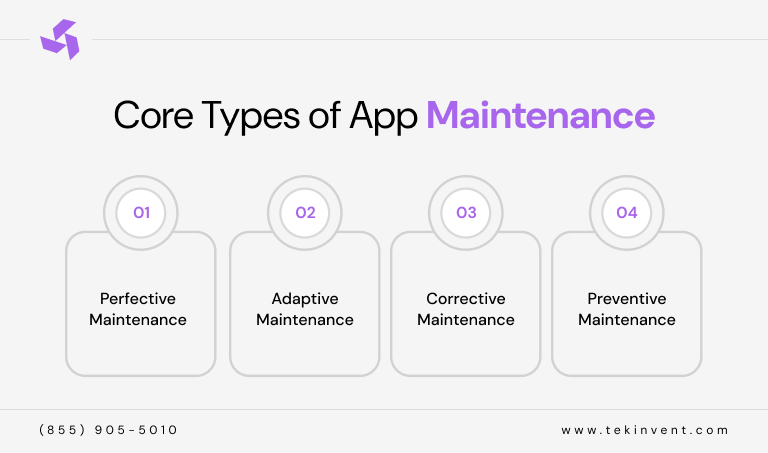
Mobile app maintenance is all about keeping your app running at its best. It helps improve performance, fix problems, upgrade features, and keep the app updated with changing technology. This process is usually divided into four main types. Each type plays an important role in keeping the app stable, secure, and competitive.
1. Perfective Maintenance
Perfective maintenance is about improving the app experience. This includes upgrading features, improving design, enhancing user experience, and boosting performance. It helps keep the app attractive and competitive in the market. This is often the most investment-heavy stage because it focuses on growth and innovation.
2. Adaptive Maintenance
Adaptive maintenance ensures your app stays compatible with new operating systems, devices, and platform policies. It helps your app work smoothly with new OS versions, hardware updates, and App Store or Play Store requirements. Without this, apps can become outdated and unusable for users.
3. Corrective Maintenance
This is the basic level of app maintenance. It focuses on fixing bugs, errors, crashes, and broken features in the app. If users report problems like frequent crashes or features not working properly, corrective maintenance is the first step to solve these issues and restore smooth performance.
4. Preventive Maintenance
Preventive maintenance focuses on avoiding future problems. It includes security updates, code improvements, and system optimizations to protect user data and prevent cyber threats. This type of maintenance helps reduce risks and saves businesses from higher costs in the long run.
Why is Timely Maintenance Important for Mobile Apps?
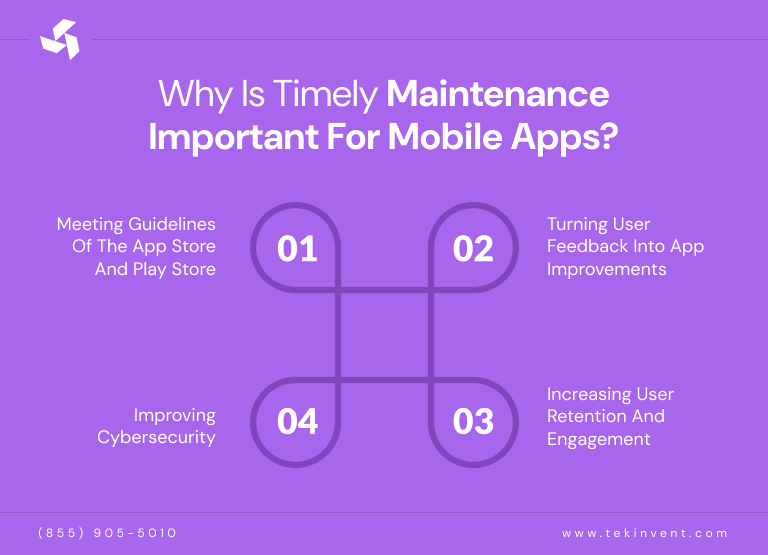
Regular app maintenance is not optional anymore. It is a business necessity. As technology, user expectations, and security risks continue to change, your app must evolve with them. Timely maintenance helps your app stay reliable, secure, and competitive. Here are the key reasons why ongoing mobile app maintenance should always be a priority:
1. Meeting Guidelines of the App Store and Play Store
Both the App Store and Play Store follow strict quality and compliance guidelines. Apps that fail to meet these requirements risk losing visibility, rankings, and even being removed from the platforms. Regular maintenance helps ensure your app remains compatible with new operating system versions, platform policies, and technical standards. When maintenance is ignored, your app can quickly lose reach, downloads, and user trust.
2. Turning User Feedback into App Improvements
User feedback is one of the most valuable tools for app growth. Maintenance allows businesses to turn reviews, suggestions, and complaints into real improvements. By updating features, fixing issues, and improving usability based on user input, businesses create better experiences and stronger customer satisfaction. This helps your app stay aligned with real user needs instead of falling behind expectations.
3. Increasing User Retention and Engagement
Poor performance, slow loading, crashes, and outdated design are common reasons users uninstall apps. Regular updates help improve speed, design, navigation, and overall experience. When users enjoy using your app, they stay longer, return more often, and engage more with your services. Keeping existing users happy is always more valuable than constantly trying to replace lost users.
4. Improving Cybersecurity
Security threats continue to evolve, and old systems are no longer enough to protect user data. Regular maintenance helps identify vulnerabilities, apply security updates, and strengthen protection layers. Since mobile apps store sensitive user information, ongoing security improvements are essential for building trust and protecting both users and businesses. A secure app protects your brand reputation and reduces the risk of data breaches.
What to Focus On During App Maintenance?
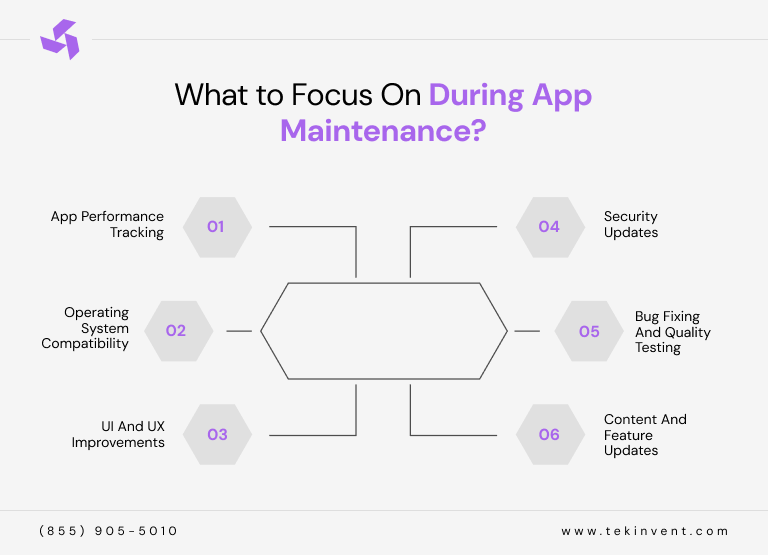
Before you assign or outsource your mobile app maintenance, it is important to have a clear plan. A structured approach helps your team manage updates properly and focus on what matters most for your app’s growth, performance, and user experience.
Below is a practical checklist of key areas every business should focus on during mobile app maintenance:
1. App Performance Tracking
App performance tracking means regularly checking how your app is running and how users interact with it. This helps you identify issues that affect speed, stability, and usability. It also helps you understand user behavior, engagement levels, conversions, and overall app success. When performance is monitored properly, problems can be fixed early before they impact users.
2. Operating System Compatibility
Mobile operating systems are updated regularly with new features, security improvements, and system changes. Even small updates can affect how your app works. Regular maintenance ensures your app stays compatible with new OS versions, devices, and system updates. This helps prevent crashes, broken features, and security gaps while keeping your app stable across all platforms.
3. UI and UX Improvements
UI focuses on how your app looks and how users interact with it. UX focuses on how the entire experience feels from start to finish. Users expect apps to be simple, smooth, and easy to use. Regular design improvements help improve navigation, accessibility, and overall satisfaction. Updating layouts, flows, and features keeps your app modern and user friendly.
4. Security Updates
Security must always be a priority. Regular updates help protect your app from threats, data breaches, and system vulnerabilities. Maintenance includes fixing security gaps, strengthening protection layers, and improving authentication systems. A secure app builds trust, protects user data, and protects your business reputation.
5. Bug Fixing and Quality Testing
Bugs can cause crashes, errors, and poor user experiences. Even small updates can introduce new issues. Regular testing and bug fixing help keep your app stable and reliable. Ongoing quality testing after launch is just as important as during development. A smooth app experience keeps users satisfied and loyal.
6. Content and Feature Updates
Users expect fresh content and useful updates. Apps that feel outdated quickly lose engagement. Regular content updates, feature improvements, and value additions keep users interested and active. Continuous improvement helps your app stay competitive and relevant in a fast changing digital market.
When Does App Maintenance Become Necessary?
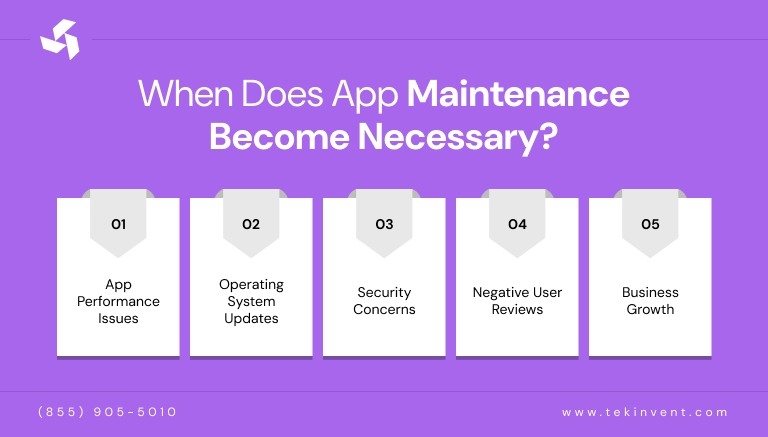
Knowing the right time to update your app is just as important as launching it. Regular maintenance helps identify areas that need improvement, but some signs should never be ignored. These signals clearly show when your app needs updates:
1. App Performance Issues
If users experience slow loading, glitches, freezing, or crashes, it is a clear sign your app needs updates. Performance fixes help restore stability and improve the user experience.
2. Operating System Updates
New Android and iOS versions can affect how your app works. Regular updates ensure your app stays compatible with the latest operating systems and continues to function smoothly on new devices.
3. Security Concerns
When security gaps are found, quick updates are necessary to protect user data and business systems. Timely patches reduce risks and help maintain user trust.
4. Negative User Reviews
Complaints about usability, missing features, or confusing navigation show where improvements are needed. User feedback is one of the best guides for smart updates.
5. Business Growth
As your business grows, your app must grow with it. New services, markets, and customer needs often require feature updates and system improvements to support expansion.
How to Update with Mobile App Maintenance Services?
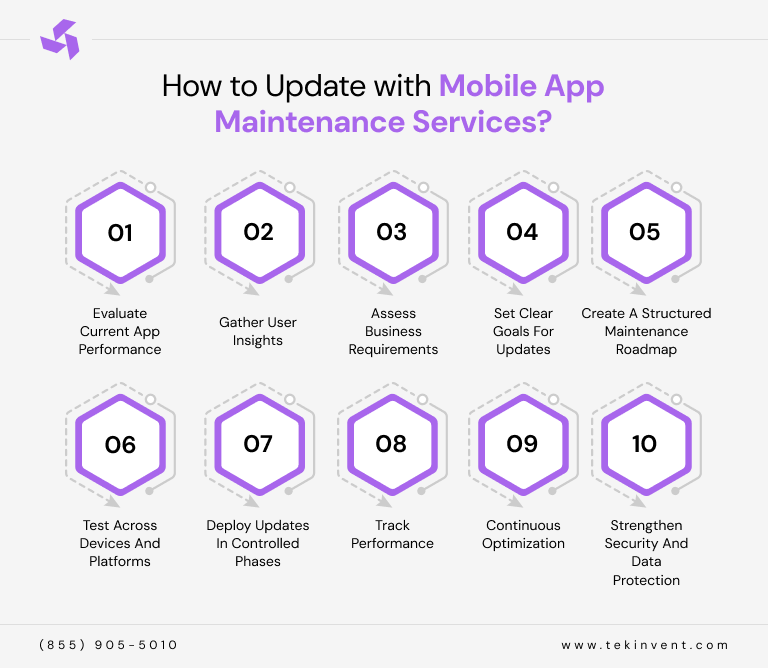
Updating a mobile app is not a one-time task. It is a continuous process that keeps your app secure, fast, and useful for users. A clear maintenance plan helps businesses improve performance, fix issues, and grow smoothly without disrupting the user experience.
1. Evaluate Current App Performance
Start by reviewing how your app is working. Check speed, crashes, loading time, and overall user experience. This helps you find weak areas, technical issues, and system gaps that need improvement before planning any updates.
2. Gather User Insights
Collect feedback from reviews, surveys, support tickets, and in-app messages. User opinions help you understand real problems, user needs, and feature expectations. This ensures updates are based on real user experience, not just assumptions.
3. Assess Business Requirements
Review your business goals, services, and growth plans. Your app updates should support your business direction, new services, and future expansion. This step aligns app improvements with long-term business strategy and market needs.
4. Set Clear Goals for Updates
Define what each update should achieve. This could include better performance, stronger security, improved design, or new features. Clear goals keep the update process focused and prevent wasted time, effort, and resources.
5. Create a Structured Maintenance Roadmap
Build a clear update plan with timelines, priorities, and tasks. A structured roadmap helps teams stay organized, manage workloads, and deliver updates smoothly without disrupting users or daily business operations.
6. Test Across Devices and Platforms
Test your app on different devices, screen sizes, and operating systems. This ensures the app works properly for all users and avoids compatibility issues that could damage performance and user trust.
7. Deploy Updates in Controlled Phases
Release updates gradually instead of all at once. This reduces risk, helps identify problems early, and prevents major disruptions. Controlled rollouts keep the app stable while improvements are being introduced.
8. Track Performance
Monitor how the app performs after updates. Track speed, errors, user activity, and feedback. This helps measure success and quickly fix any issues that appear after new changes are released.
9. Continuous Optimization
App improvement never stops. Regular updates, improvements, and refinements keep your app competitive. Continuous optimization ensures better performance, higher user satisfaction, stronger security, and long-term business growth.
10. Strengthen Security and Data Protection
Make security a continuous priority. Regularly update security layers, protect user data, secure APIs, and review system vulnerabilities. Strong security builds user trust, protects business assets, and prevents data breaches, ensuring your app stays safe and reliable in the long term.
Best Security Strategies for App Development Maintenance
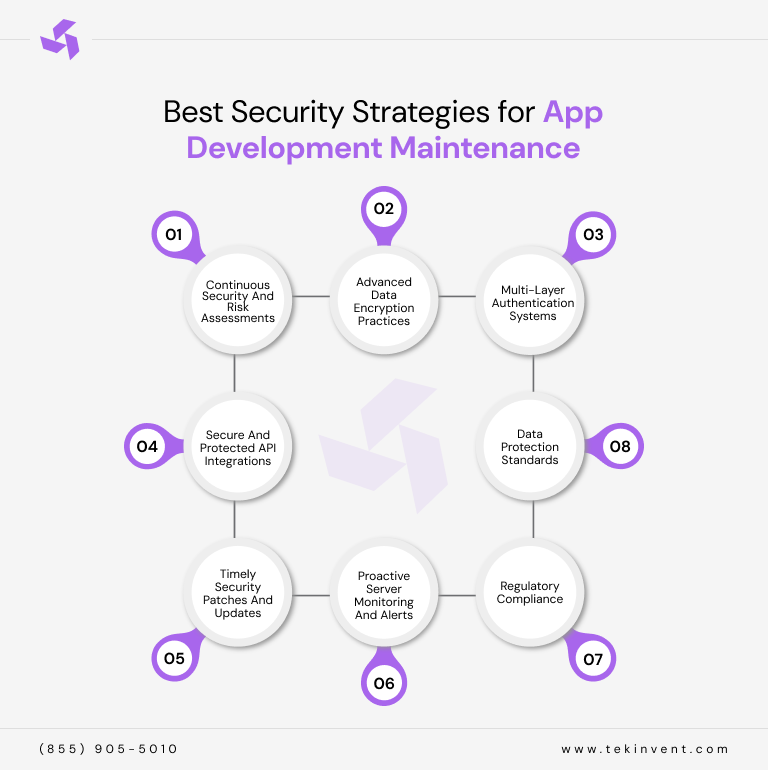
Security is a core part of mobile app maintenance. As digital risks grow, businesses must protect user data, systems, and operations. A strong security strategy keeps apps safe, builds user trust, and prevents data loss, fraud, and long-term damage to the business.
1. Continuous Security and Risk Assessments
Regular security checks help identify weak points in your app. Risk assessments allow teams to fix vulnerabilities early before they become serious problems. This keeps your app protected and reduces the chances of cyberattacks and data breaches.
2. Advanced Data Encryption Practices
Encryption protects user data during storage and transfer. It ensures sensitive information stays private and unreadable to unauthorized users. Strong encryption builds trust, improves data security, and protects businesses from legal and financial risks.
3. Multi-Layer Authentication Systems
Multi-layer authentication adds extra security steps like passwords, biometrics, and verification codes. This reduces the risk of unauthorized access and keeps user accounts protected from hacking, fraud, and identity theft attempts.
4. Secure and Protected API Integrations
Secure APIs protect data shared between systems and services. Proper authentication, access controls, and encryption prevent data leaks and system breaches. Safe API connections ensure smooth functionality without exposing your app to security threats.
5. Timely Security Patches and Updates
Security patches fix vulnerabilities before attackers can exploit them. Regular updates protect your app from new threats, system weaknesses, and evolving cyber risks. Timely patching keeps your app stable and secure.
6. Proactive Server Monitoring and Alerts
Server monitoring helps detect unusual activity, threats, and performance issues early. Alerts allow teams to respond quickly to problems before they cause damage. This keeps systems stable, secure, and always available.
7. Regulatory Compliance
Following data protection laws and digital regulations keeps your business safe from legal risks. Compliance builds user trust, improves credibility, and ensures your app meets required security and privacy standards.
8. Data Protection Standards
Strong data protection practices keep personal and business information safe. Secure storage, controlled access, and safe data handling policies prevent leaks, misuse, and unauthorized sharing of sensitive information.
How Much Does App Maintenance Cost?
The cost of app maintenance depends on many factors, including app complexity, features, security needs, user base, and business goals. Maintenance is not a one-time expense. It is an ongoing investment that keeps your app stable, secure, and competitive.
The first year after launch is usually the most demanding. This phase often includes bug fixes, performance improvements, security updates, and changes based on user feedback. Many updates are required to stabilize the app, improve usability, and fix issues that appear after real users start using it.
In the following years, maintenance becomes more structured and predictable. Costs usually include hosting, third-party services, developer accounts, regular updates, security improvements, performance optimization, and compatibility updates for new devices and operating systems. Over time, businesses may also choose to add new features, upgrade design, or improve functionality, which increases the total maintenance budget.
In simple terms, app maintenance is a long-term commitment, not a one-time expense. Businesses that plan for continuous maintenance protect their investment, avoid sudden technical problems, and ensure their app continues to deliver value, performance, and growth over time.
Common Maintenance Challenges and Solutions to Them
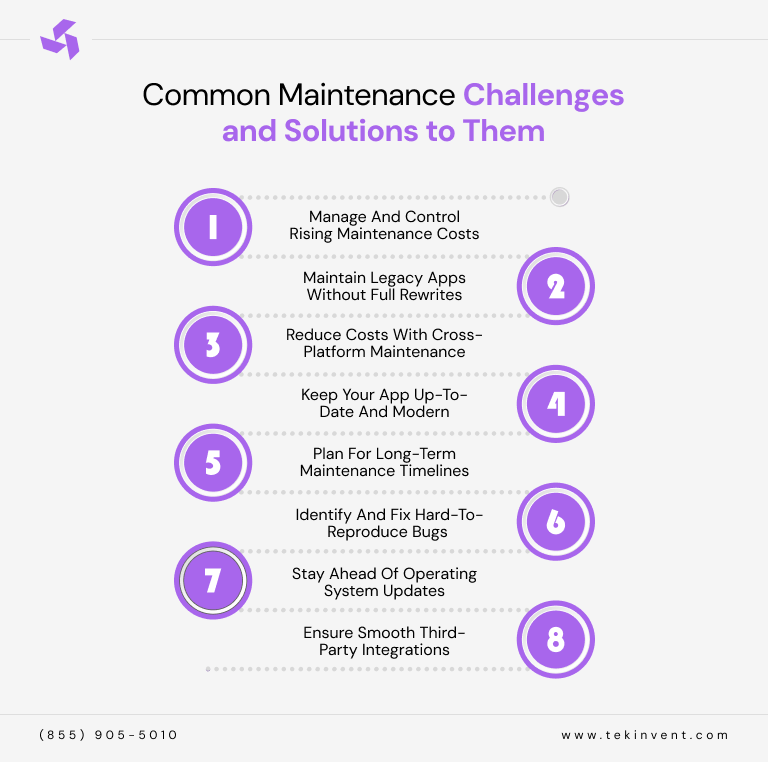
App maintenance comes with real challenges, but with the right planning and strategy, these problems can be managed easily. Below are common issues businesses face during app maintenance and simple solutions to overcome them.
1. Manage and Control Rising Maintenance Costs
Rising costs can slow business growth if not managed properly. Smart planning, clear priorities, and regular audits help control expenses. Focusing on essential updates, automation, and preventive maintenance reduces long-term costs and avoids expensive emergency fixes later.
2. Maintain Legacy Apps Without Full Rewrites
Older apps often rely on outdated code and systems. Instead of rebuilding everything, gradual upgrades, modular updates, and code optimization help modernize the app. This approach saves money, reduces downtime, and keeps the app functional without full redevelopment.
3. Reduce Costs with Cross-Platform Maintenance
Maintaining separate apps for different platforms increases costs and complexity. Cross-platform frameworks allow shared codebases, easier updates, and faster fixes. This reduces maintenance effort, saves resources, and ensures consistent performance across all devices and platforms.
4. Keep Your App Up-to-Date and Modern
Outdated apps lose users quickly. Regular design updates, performance improvements, and feature enhancements keep your app fresh and relevant. Continuous updates help meet user expectations, improve experience, and keep your brand competitive in the digital market.
5. Plan for Long-Term Maintenance Timelines
Maintenance is a long-term process, not a one-time task. Creating a clear maintenance roadmap helps manage updates, budgets, and resources. Long-term planning prevents delays, avoids rushed fixes, and ensures smooth app performance over time.
6. Identify and Fix Hard-to-Reproduce Bugs
Some bugs only appear in specific conditions or devices. Advanced testing tools, user reports, and real-time monitoring help identify hidden issues. Structured debugging and testing processes make it easier to fix complex problems without affecting the app experience.
7. Stay Ahead of Operating System Updates
New OS updates can break app features if not prepared for. Early testing, compatibility checks, and timely updates keep the app stable. Staying proactive prevents crashes, security risks, and performance issues caused by system changes.
8. Ensure Smooth Third-Party Integrations
Many apps rely on external APIs, plugins, or third-party tools. Changes or failures in these services can disrupt functionality. Regularly monitoring, updating, and testing integrations keeps your app stable, reliable, and fully functional for users.
Final Thoughts
Mobile app success does not come from launch alone. It comes from continuous care, updates, and improvement. In today’s fast-changing digital world, an app that is not maintained will quickly lose performance, security, users, and relevance. Regular maintenance keeps your app stable, secure, fast, and aligned with user expectations and business goals.
From performance monitoring and security updates to user feedback, feature upgrades, and long-term planning, mobile app maintenance is what protects your investment and supports sustainable growth. It helps businesses avoid costly failures, build user trust, improve customer experience, and stay competitive in the market.
At TekInvent, we believe app maintenance is not an expense, it is a growth strategy. When done right, it turns your mobile app into a long-term business asset that delivers value, builds loyalty, and drives success. By following the best practices outlined in this guide, businesses in Houston can ensure their apps remain reliable, secure, and future-ready, supporting growth today and for years to come.

Build Smart with The Right Team.
We bring expertise, technology, and trust you look for in your digital journey.